Whether you want a printer for the whole family, for the home office or for crafting and printing photos, there’s a Canon printer to suit your needs and budget.
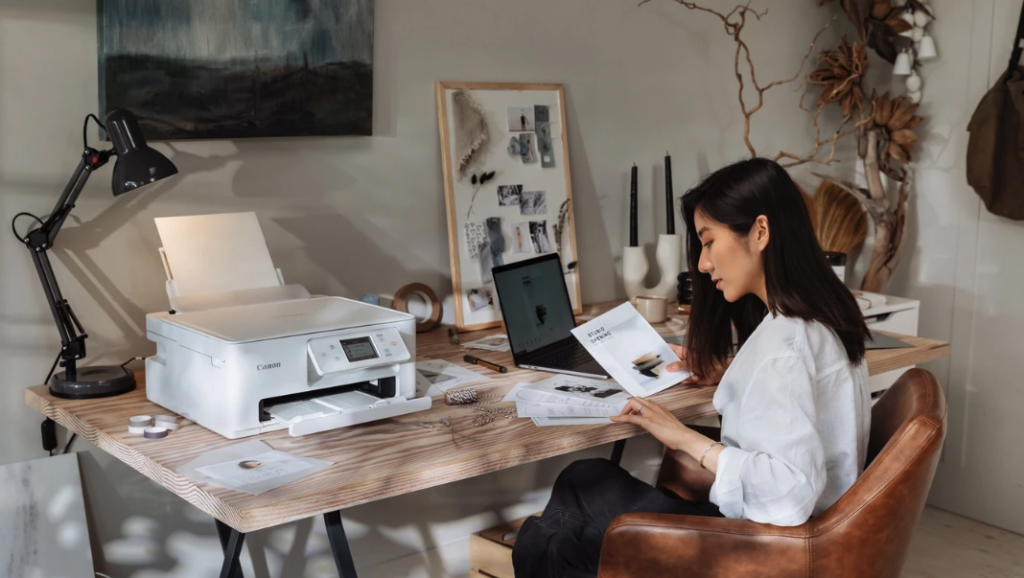
Choosing the best printer for your needs can be difficult. Some of us only need to create prints occasionally, whereas others might be part of a busy family who want to rely on a printer for everything from straightforward mono and colour documents, through homework assignments and hybrid home office work, to crafting, hobbies and creating glossy photo prints.
Wireless printers have become all but essential, giving the option of scanning and printing via laptops, smartphones and tablets. The ability to scan and print direct from the Cloud has become equally important, keeping step with the rise in hybrid working.
Another point to bear in mind is that cartridge-based inkjet printers can be more cost-effective for occasional printing, whereas MegaTank printers with their bottles of refill ink will massively reduce the total cost of ownership for higher-volume printing.
Read on to find which Canon printers could be the best choice for you.
- Best printer for general home printing
- Best printer for small offices
- Best printer for families and students
- Best printer for photo prints
- Best printer for arts and crafting

A versatile printer for children, students and general family life needs to be affordable and easy to run. Starting simple, the Canon PIXMA TS3440 printer is extremely easy to set up and use, utilising just two FINE ink cartridges (black and tri-colour), with an option of high-capacity cartridges for even greater cost-effectiveness.
The PIXMA TS3440 is a compact and lightweight printer but has a built-in scanner for scanning and copying. As well as high-quality documents, it can output borderless 6×4-inch, 5×5-inch and 7×5-inch photo prints. It also has built-in Wi-Fi connectivity, so you can print from anywhere around the home, using your computer, smartphone or tablet.
Taking a step up in performance, versatility and ease of use, the PIXMA TS7640i has a compact design to suit the home environment but is packed full of useful features and productivity benefits. New-generation print cartridges with built-in print heads enable fast print speeds of around 15ipm (impressions per minute) for mono and 10ipm for colour documents. It also features a newly-formulated black pigment ink, making it the first Canon home printer with equivalent black text durability to Canon business printers. One-touch copying is similarly speedy and you can also scan direct to a smartphone or tablet using a QR code displayed on the touchscreen. The PIXMA TS7740i adds an auto document feeder for easier scanning and copying of multi-page documents. Additionally, with a streamlined Switch UI interface, you can easily switch between different lifestyle, study and work tasks.
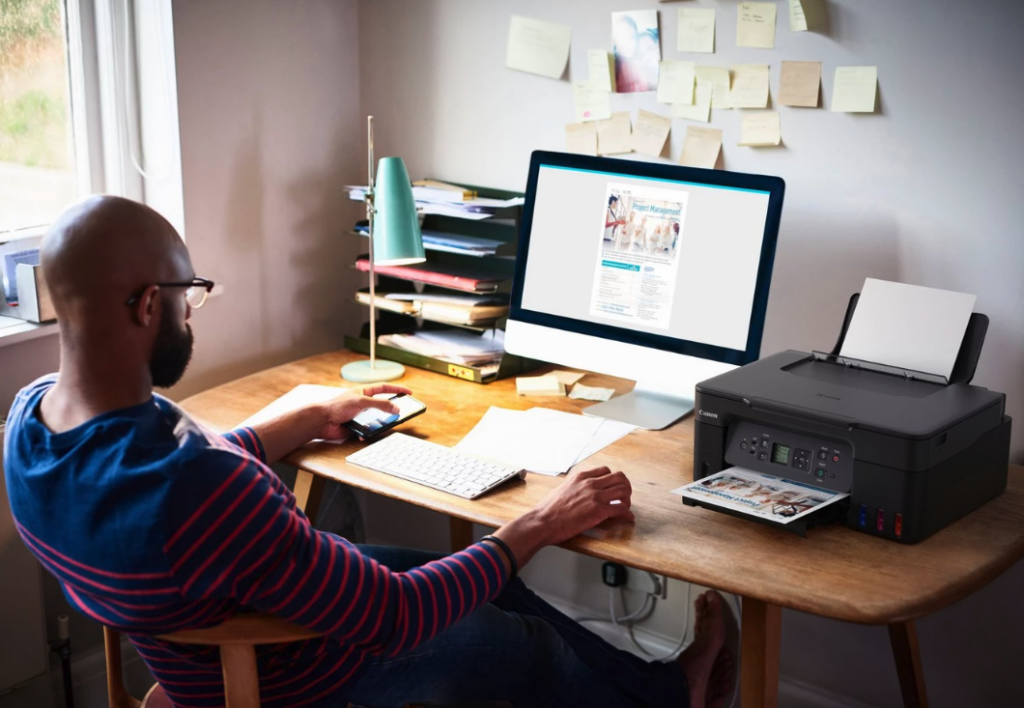
If you’re someone who does a lot of printing from home, there’s a time-efficient and money-saving alternative to buying and replacing ink cartridges. Canon’s range of MegaTank refillable inkjet printers feature large-capacity ink tanks instead of cartridges, which hold enough ink for up to 6,000 mono A4 sheets or up to 7,700 colour pages.2
They’re a bit more expensive upfront than some cartridge-based printers, but running costs are much lower. As and when you need to refill the ink tanks, it’s quick, easy and mess-free. Ink is fed from the bottles by gravity with no squeezing involved, and the bottles have key-type nozzles to eliminate the risk of putting the wrong colour into the wrong tank.
Canon PIXMA G2470 range printers are speedy too, outputting pages at 11ipm (images per minute) for mono and 6ipm for colour. The Canon PIXMA G1430 is a single-function printer, while the Canon PIXMA G2470 adds a built-in scanner and the Canon PIXMA G3470 Series features both a scanner and Wi-Fi connectivity. The Canon PIXMA G4470 also adds a 35-sheet auto document feeder and direct fax facility.
Best printer for home and small office workers

Many people are working from home at least some of the time and need a more business-focused printer capable of multitasking different jobs. Canon’s MAXIFY range, designed for fast, high-quality document printing, is the ideal fit, and also a great choice for a small office. Canon’s MAXIFY GX range of printers are MegaTank models, with even lower running costs due to the higher colour page yield.
The Canon MAXIFY GX3040 is a smart, budget-friendly choice. It’s a speedy 3-in-1 printer that’s ideal for office documents, outputting mono pages at up to 19ipm and colour pages at up to 13ipm. You can keep an eye on print job progress, carry out standalone copying tasks and check on printer status with a 3.4cm LCD screen and simple push-button interface. It has a 250-sheet input cassette at the front, an additional 100-sheet feeder at the rear, and a flat tray for thicker media. It also features auto duplex printing and Wi-Fi connectivity.
The Canon MAXIFY GX4040 has all this and more, adding a 6.9cm colour touchscreen plus 35-sheet auto document feeder for easily scanning and copying multi-page documents. It also features full standalone fax facilities and has Ethernet connectivity for easy networking in addition to Wi-Fi and USB.
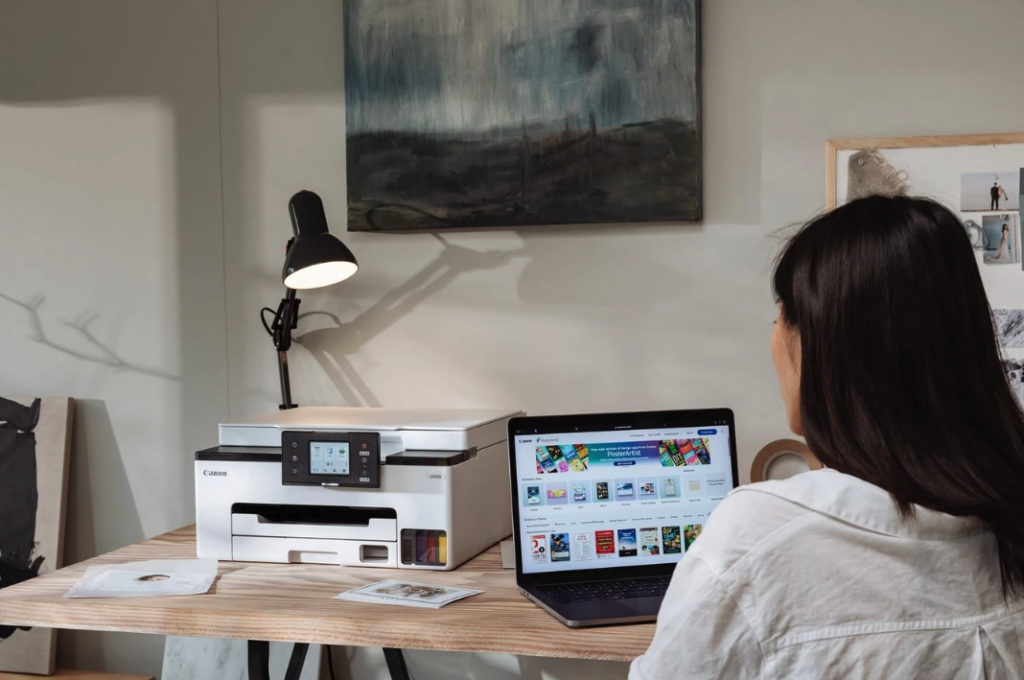
When space is limited, the Canon MAXIFY GX1040 is a smart choice. Although relatively compact and lightweight, this printer is rich in features, and is designed specifically to meet and exceed the needs of hybrid workers. You can assign complicated but frequently repeated tasks to the customisable touchscreen, enabling seamless integration between working at home or in the office. The MAXIFY GX1040 is a full-front operation so it can be used in small spaces and up against a wall or a cupboard. With business in mind, print quality is very high and particularly robust, the four pigment-based inks being formulated to resist smudging and allow for the use of highlighter pens. The MAXIFY GX2040 adds an ADF and fax, for scanning, copying and faxing of multi-page documents.
If your job requires high-quality printing and lots of it, then a premium option such as the Canon MAXIFY GX6040 or MAXIFY GX7040 is a great choice. Both models keep things simple for printing, scanning and photocopying, with 6.9cm tiltable colour touchscreens, as well as 50-sheet auto document feeders. The MAXIFY GX7040 also boasts an additional input tray, giving it a total input capacity of 600 sheets, as well as direct fax facilities and two-sided scanning.
Best printer for families and students
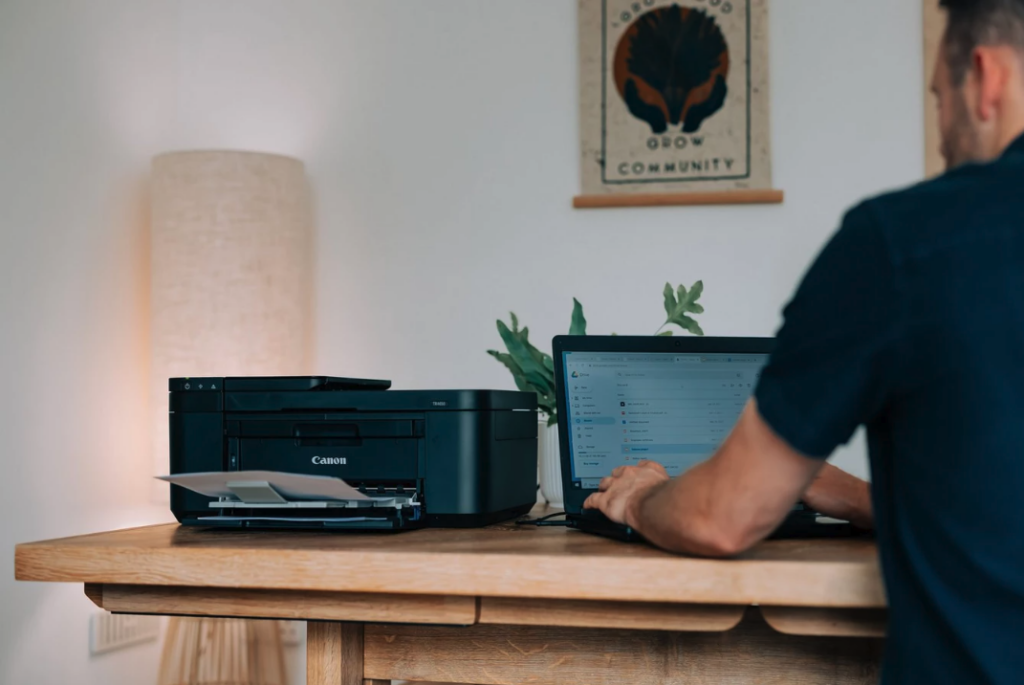
If you have children of school age in the family, then you’ll want a printer that’s easy to use for regular assignment printouts, but also offers an array of creative options. For students and younger children, plus the rest of the family, a built-in scanner will make it easy to copy documents and artwork, as well as upload them to mobile devices or the cloud when required.
The affordable Canon PIXMA TR4640 comes complete with a 20-sheet auto document feeder to simplify scanning and copying, and it has an auto duplex facility for double-sided printing. It’s compatible with money-saving XL high-yield cartridges – ideal for students on a budget who need to print in bulk, for example when printing their dissertation.
To further reduce running costs, the premium Canon PIXMA G3460 and the Canon PIXMA G2470 range give you the advantages of Canon’s MegaTank refillable ink tank system, including long-lasting ink capacity for efficient printing and less downtime.
Best printer for photo prints
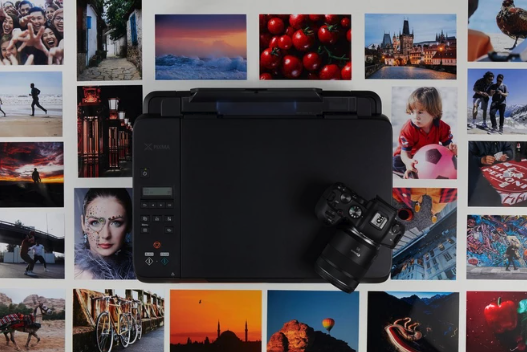
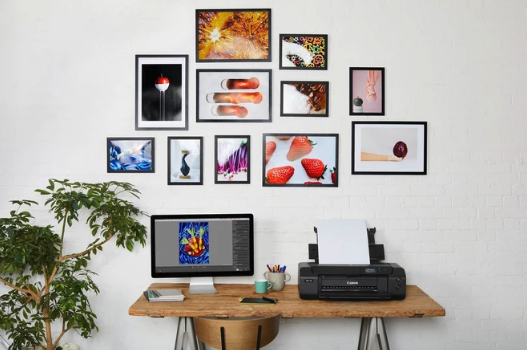
If you are a photography student or a keen photo enthusiast, there’s nothing better than seeing your photographs in print rather than just on-screen. Photo prints preserve special occasions and memories in a lasting form, and also make great gifts for friends and loved ones. Even if you want to print photos only occasionally, having a printer capable of creating glossy photo prints gives you more immediate results than ordering prints online, along with more creative control over the process.
For a MegaTank advantage, greatly reducing the total costs of photo printing, the 3-in-1 Canon PIXMA G640 uses an extended range of six dye-based inks for enhanced colour and tonal range. A set of inks is sufficient for up to 3,800 6×4-inch colour photo lab-quality photo prints, with borderless photos at sizes up to A4. For document printing, a set of inks is enough for up to 3,700 mono or up to 8,000 colour A4 pages.3
If you want to go large on your photo printing, creating A3+ (33x43cm) borderless output for showing and selling your prints at fairs and galleries, the Canon PIXMA PRO-200 delivers unrivalled photo print quality on glossy and lustre photo papers, thanks to its eight dye-based inks. For matte photo paper and fine-art media, the Canon imagePROGRAF PRO-300 is a class-leading, professional A3+ photo printer that uses 10 pigment-based inks for the ultimate in colour intensity and fidelity. Both of these photo printers can also create banners and panoramic prints of up to 99cm in length.
Best printer for arts and crafting
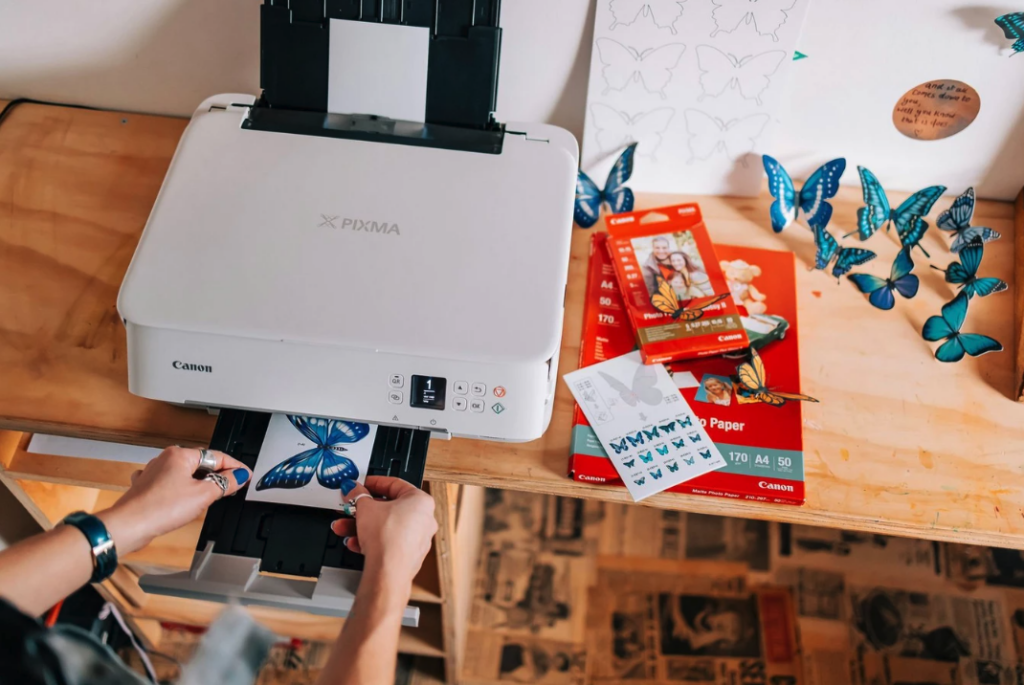
There’s a feast of creative fun to be had for all ages with a Canon printer, from children’s projects to custom greetings cards, party invitations, thank-you notes and more. In Canon’s Creative Park app, you’ll find free-to-download colouring pages, mazes and other printable activities in the Kids section.
The Canon PIXMA TS5340a and the Canon PIXMA TS7440 are both ideal for artistic projects, with options to print on a range of media from magnetic paper to double-sided matte photo paper. The same is true of the PIXMA TS7640i and PIXMA TS7740i, which combine smudge-resistant pigment black ink and three dye-based cyan, magenta and yellow colour inks.
As a premium option, the Canon PIXMA G640 with its six dye-based inks and MegaTank refillable tank system is every bit as suitable for arts and crafting as it is for top-quality photo prints.
There’s something for everyone in Canon’s range of inkjet printers. Whether you’re young or young at heart, a student, a dedicated parent or a busy professional, you’ll find a Canon printer that’s just right for your needs.
For more guidance on which printers might suit your needs, also try the Canon printer selector.
Written by Matthew Richards and Alex Summersby